How to build a (Fairly Budget) Gaming PC in 2022.
(All parts are linked at the bottom of the post, Any items purchased directly help the blog. Thank You and enjoy)
Now, Let's build your PC!
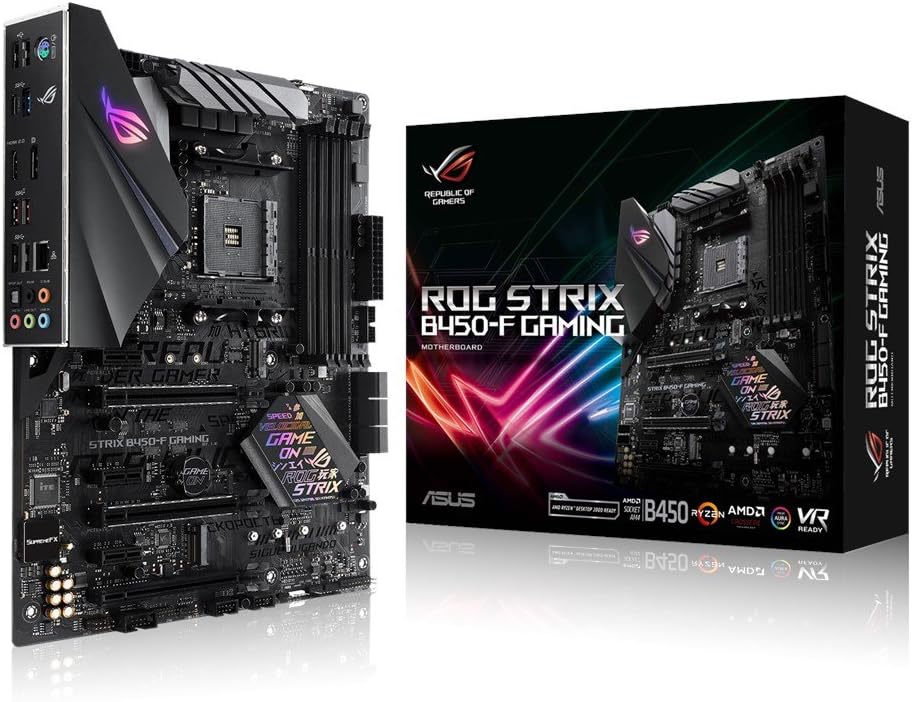
- RAM (Random Access Memory) is necessary and with how intense even basic programs such as google chrome are with hogging RAM it's important to get enough. Personally, I went with 16GB of DDR4, however, I will be upgrading to 32GB very soon. I would recommend starting with 16GB as to not break the bank but if you find yourself breaking 15GB often, perhaps you should add an extra 2 sticks down the line. For RAM, I recommend the Corsair Vengeance LPX 16GB (2 x 8GB). "Why get 2 8GB sticks when I could get 1 16GB and then have 3 more slots to expand instead of 2" you might be wondering. Despite popular belief, RAM doesn't fill 1 stick at a time before loading to another. If you have 2 sticks each load will be held on both sticks, half and half. If you have 4 then each load will be split 4 ways. "But yovry, I still don't see why this is a big deal" You may say. Well if you're looking for speed having more than 1 stick is going to help a lot. Let's put it this way. Let's say that you have 1 stick running at 2000MHz with 16GB. The total speed your ram will hit then is only 2000MHz, however, if you run 2 8Gb sticks with 2000MHz each your total speed will be 4000MHz. Now would you rather pay $90 for 2 8GB sticks or $80 for 1 16GB stick? Personally, I wouldn't mind doubling my speed for the extra $10. Don't go to Starbucks 2 days this week and you got yourself twice the ram speed.

- CPU (Central Processing Unit) just like RAM is a necessity for any type of computer from office PCs to smartphones and any other type of computer. The CPU I went with is the Ryzen 5 2600. This is a 6 core 12 thread processor with a base clock speed of 3.1GHz. All in all, it's a great CPU for gaming, game development, live streaming and basically anything else you would want to do with your gaming PC. This CPU is the perfect in-between for anyone who wants to game on a budget as it has more cores and threads than a Ryzen 3 (Which typically come with 4 cores) and the price is much better for your first computer than a Ryzen 7 which may have 8 cores, however, you will be paying a couple hundred more for that increase so I highly recommend a Ryzen 5.

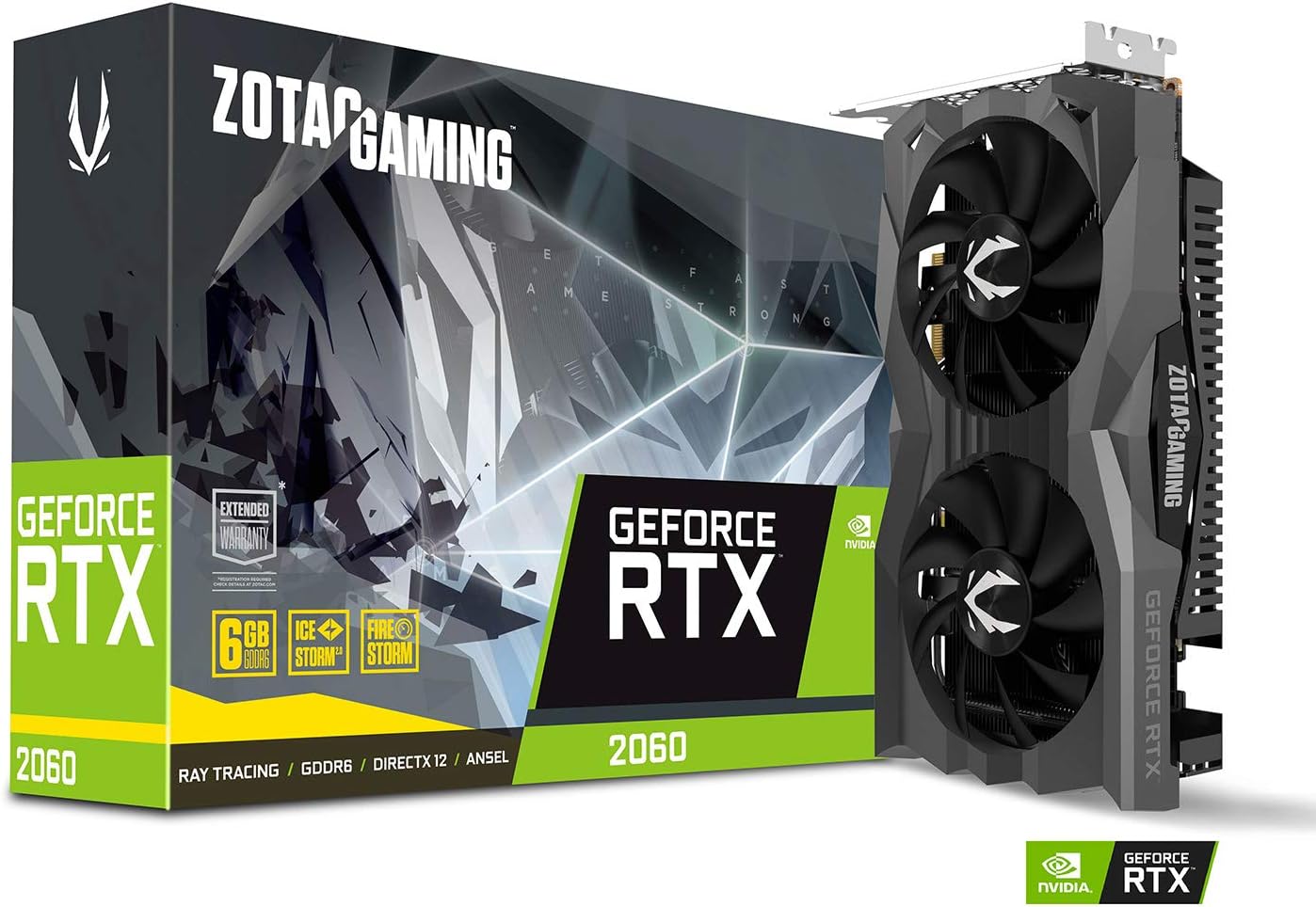
- for the GPU (Graphics Processing Unit) I have 2 choices for you. Personally, I went with an RTX 2060 when I first built my PC, however, afterwards, I added a GTX 1050ti as a secondary GPU. Both graphics cards are good even now in 2022, however, I would recommend 2060 over the 1050ti as you are going to get significantly more processing power and 2 more GB of graphics RAM as the 1050ti has 4GB and the 2060 has 6GB. I will provide links to both items at the bottom of the post as it is hard to get a 2060 along with many newer cards these days due to shortages.
- You are also going to need a PSU (Power Supply Unit). I went with a 650 watt PSU and I highly recommend picking one up for this build. All you really need if you're running 1 of the graphics cards is 500w, however, getting the extra 150w will give you much more leeway for expansions and upgrades down the line.

- The motherboard doesn't come with WIFI or Bluetooth built-in, only ethernet. For wifi, I found a high-speed PCIe x1 compatible device that will connect seamlessly linked below.

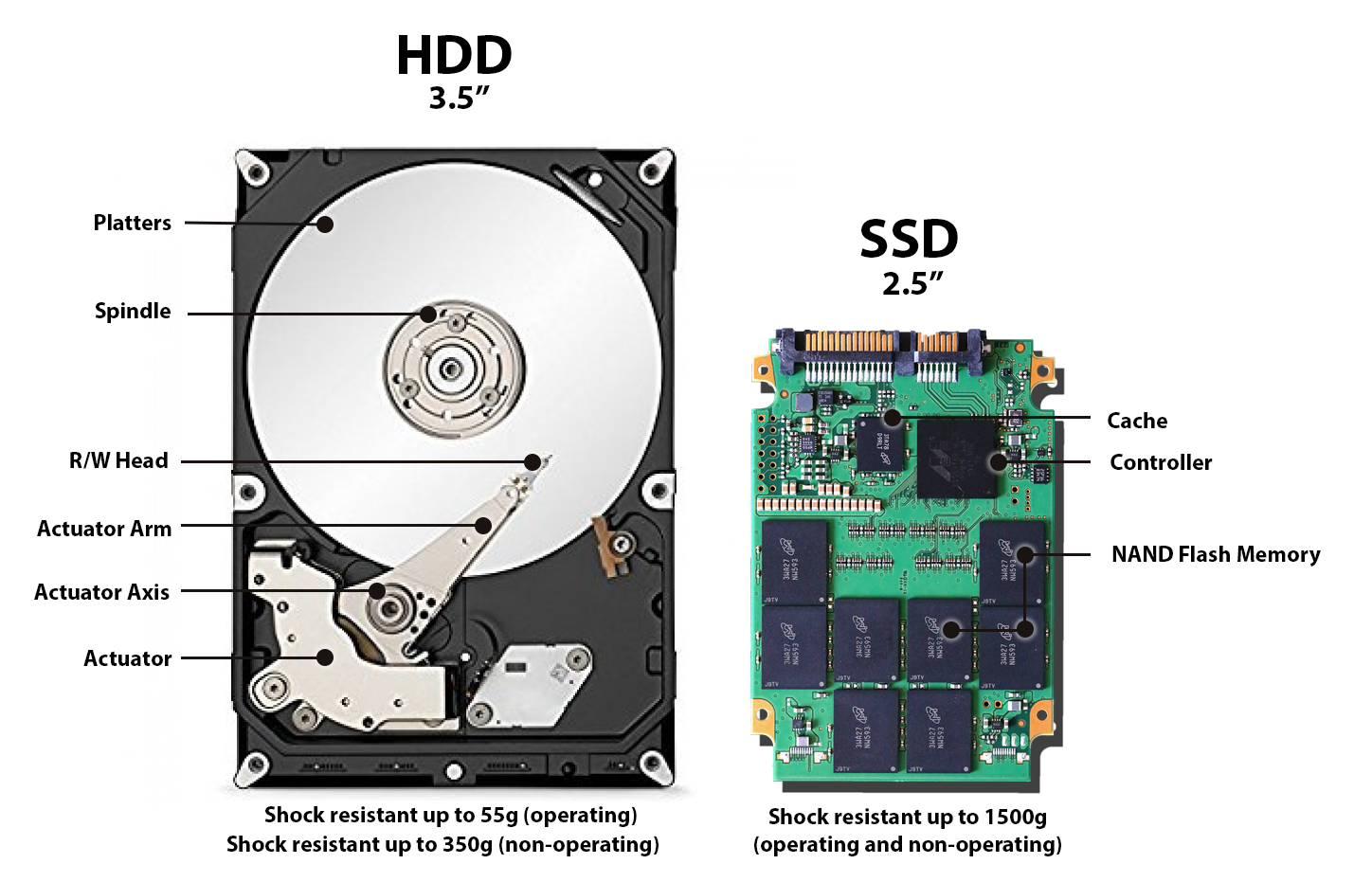
- Storage is essential. I recommend getting 2 drives, an SSD (Solid State Drive) for your (C) storage (This is where your operating system is stored as well as certain files for some programs) and a high capacity HDD (Hard Disk Drive or in other words Hard Drive) and this is where all your main files will be stored. I run 2 SSDs and 2 HDDs, however, I will help you sort out what's best for you. For the (C) drive I went with the Samsung 970 EVO with 500GB. This way you can get a fast boot-up when starting your PC, however, it isn't a 1TB storage solution. This way you can save some money on your build. For the main storage, I have 2 hard drives. If you don't want to play a wide variety of games and only a few I recommend a 2TB 7200RPM HDD, If you plan on having a large selection of games I recommend doubling it to a 4TB 7200RPM HDD. The other SSD I run (Which you can add but I only use it for game development files) is a 120GB SATA3 SSD.
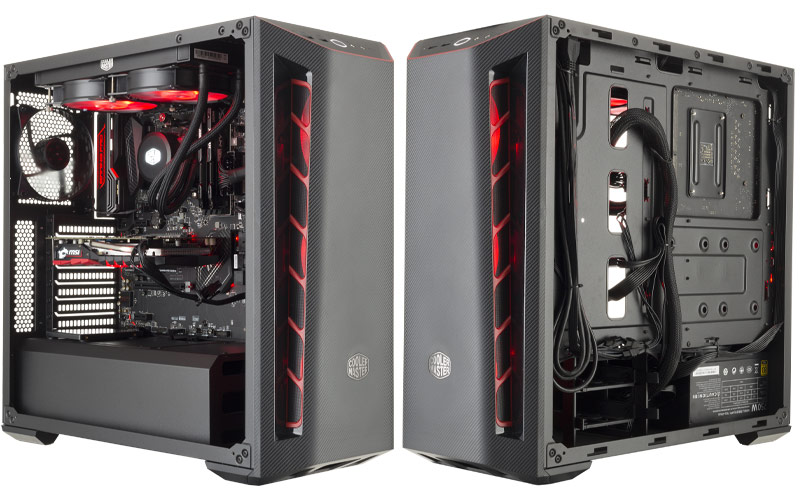
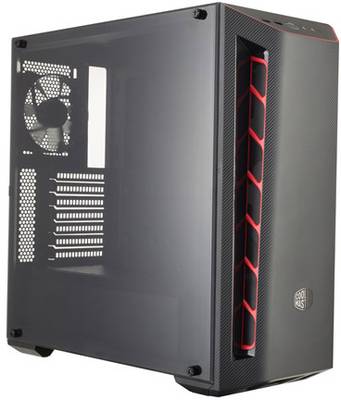
- For the tower, I went with the Masterbox MB510L. This is a sizeable case that has plenty of room not just for the current parts you have but for any expansions you may have later. Not to mention it is very accessible if you want to upgrade your PC down the line.
- Lastly (But not least) cooling is needed or your PC will shut off due to overheating. For fans I went with the UpHere Blue (However they also come in other colours), By not having RGB you will be saving tons of money. These fans are quiet and I would go as far to say damn near silent.


Comments
Post a Comment